Blocking Windows Store apps on devices
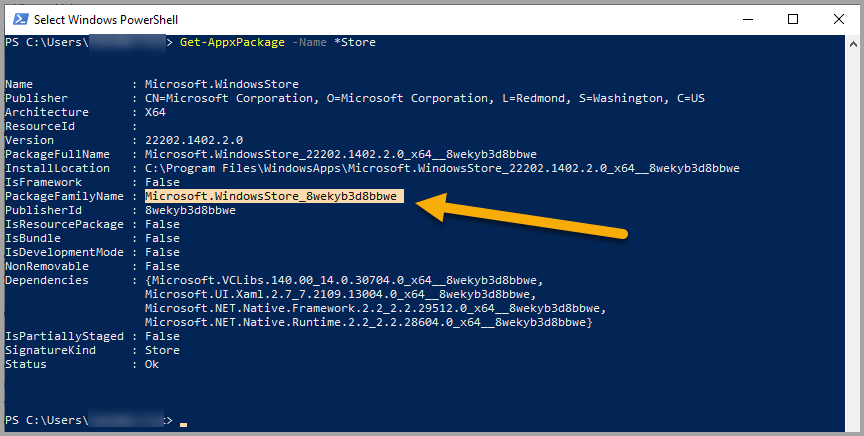
Blocking a Windows Store app using a Windows firewall rule requires the app's Package Family Name. You can obtain the Package Family Name by running a Powershell command on a test device. For example, to get the details of all Windows store apps with Store in the name, run the following command.
Get-AppxPackage -Name *Store
In the following example, the Windows Store app's Package Family Name is selected:
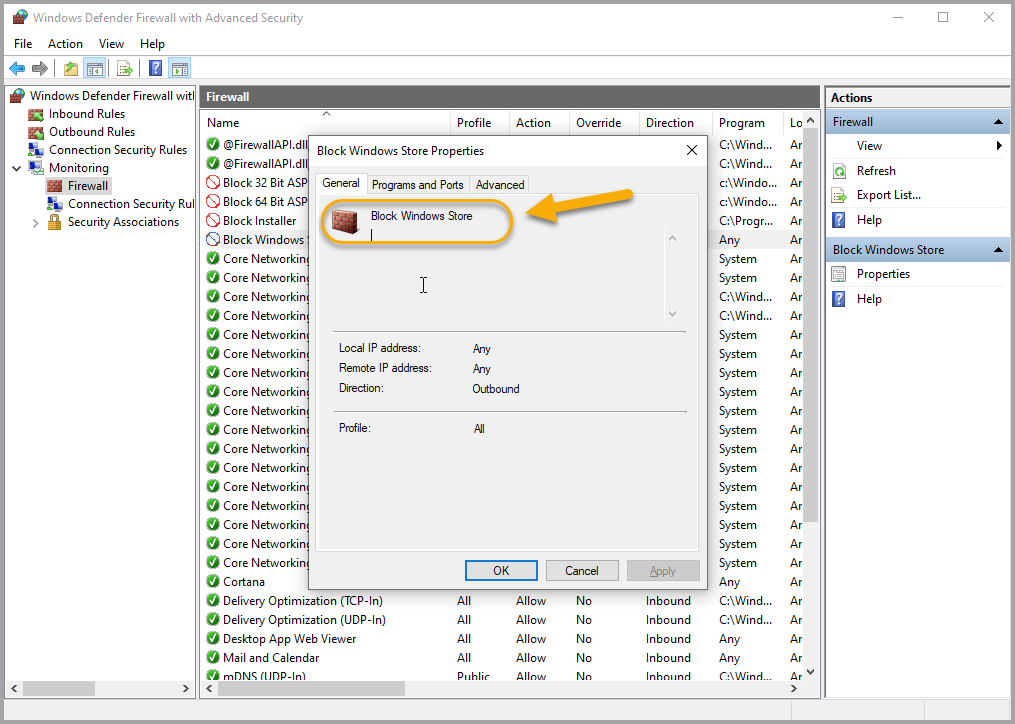
When this value is added to a Windows Firewall rule and then deployed to a device, the rule appears in the monitoring section:
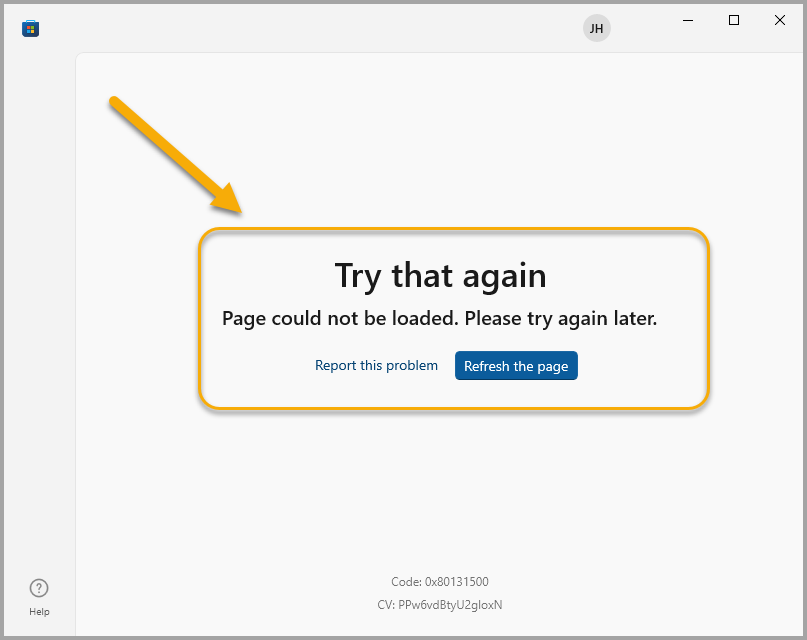
When the Windows Store app is blocked on a device, access to the Windows store is blocked for anyone using the device:
For a full list of Windows Firewall rule settings, see Configure Windows Firewall Rulesets in the Library.